How to Upload 25 Designs Per Week: Complete POD DJ Workflow System | Merch Harbor
Overcome POD procrastination with a 60-minute DJ sprint, batch variation system, and copyable checklists. Export specs, title formulas, and folder templates inc
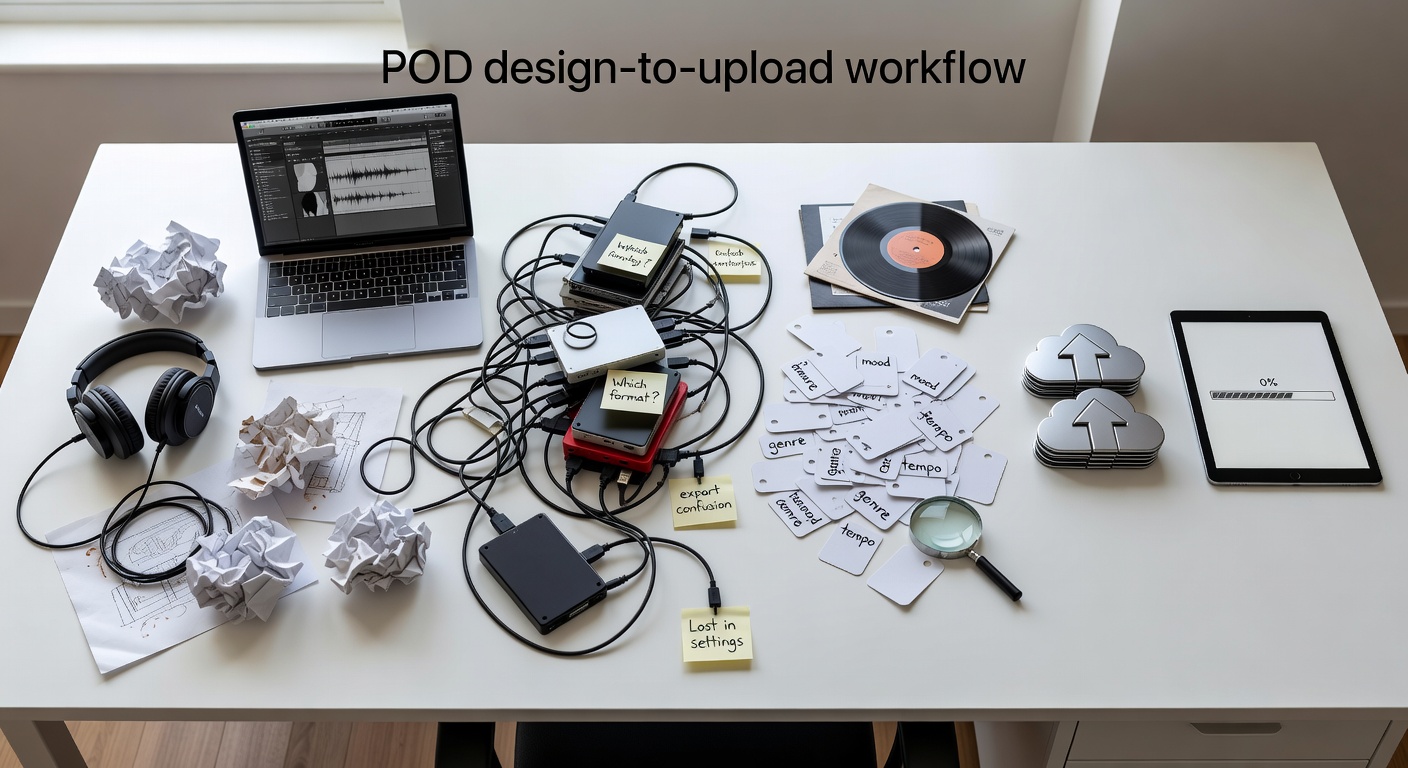
# How to Upload 25 Designs Per Week: Complete POD DJ Workflow System Professional diagram showing POD design-to-upload (DJ) workflow bottlenecks like export confusion and tag paralysis ## Why POD Creators Procrastinate on DJ (And How Unclear Steps Kill Momentum)
POD creators design killer graphics but stall at upload. The DJ phase—design to publish—takes hours instead of minutes due to specific friction points.
You export wrong and rework files. Tags overwhelm with endless options. Mockups distract into perfectionism. Variations feel endless without a system.
Common patterns in our experience:
- **Export confusion**: Wrong DPI or size rejects files on MerchHarbor. Fix: Standardize to 300 DPI PNGs at 4500x5400px for tees.
- **Tag paralysis**: Staring at blank fields for 20+ minutes. No formula means generic tags that don't rank.
- **Variation bottleneck**: One design becomes a rabbit hole of tweaks, delaying uploads.
- **Listing overthink**: Titles too vague, descriptions copied poorly.
Result? One design takes 3 hours. You upload 2-3 per week max. Momentum dies.
This isn't laziness. It's missing tactical DJ steps. POD demands speed: same effort, 5x listings via variations. Without a system, you chase trends manually.
In our experience with creator uploads, those using checklists hit 25 listings weekly. They batch to dominate niches like "cat lover" or "teacher gifts".
Check MerchHarbor's [upload requirements](link-to-upload-guide) for exact specs. Start with their [creator tools](link-to-creator-tools) for tag helpers.
## The 60-Minute DJ Sprint: From Blank Canvas to Published Listing
Execute one full DJ cycle in 60 minutes. No brainstorming spirals. Focus: good enough for POD sales.
**Time Breakdown**:
- **0-10 min: Pick concept**. Scan [trending niches](link-to-trending-niches) on MerchHarbor. Choose one: e.g., "funny cat gym". No judging.
- **10-35 min: Design (25 min)**. Use default template: big icon + punchline. Tools: Procreate, Photoshop, Canva. Aim for thumbnail-readable at 200x200px.
- **35-45 min: Export (10 min)**. Follow checklist below.
- **45-55 min: Build listing (10 min)**. Title/tags formula next section.
- **55-60 min: Upload/publish**. Use MerchHarbor bulk upload.
**Export Checklist** (copy/paste to notes):
✅ Canvas: 4500x5400px (tees), 5000x6000px (hoodies), 300 DPI
✅ File: Transparent PNG (no RGB sRGB issues)
✅ Test: Zoom to thumbnail size—text crisp?
✅ Naming: cat_gym_funny_v1.png
✅ Save source: .AI / .PSD / .Procreate (editable)
✅ Mockup: Quick tee preview only—no perfection
**Pro Tip**: Set Photoshop/Procreate export presets: Action > Export As > PNG-24, transparency on.
If file rejected: Check DPI (Image > Image Size). Wrong size? Resize non-destructively.
**Listing Checklist**:
✅ Title: [Niche] [Type] [Style] [Audience] (e.g., "Funny Cat Gym T-Shirt | Lifting Pet Workout Design")
✅ Tags: 4-buckets (below)
✅ Description template:
```
[Eye-catching hook]
Perfect for [audience] who love [niche].
[Product list: Tee, Hoodie, Mug]
Grab yours now!
```
✅ Products: Start with 3 colors (black, white, navy). Tee + mug minimum.
Run this sprint 5x daily = 5 designs. Before: 2 hours/design. After: 60 min total. Visual diagram of 60-minute POD design sprint breakdown with time blocks and checklists ## POD Batch Variation System: 1 Design Effort = 5 Listings
Core graphic once. Variations fast. POD wins: same search terms, multiple listings dominate results.
**Strategy**:
1. Design 1 core: e.g., cat lifting weights, "Gym Cat" text.
2. Variations in 60 min total: - Var1: Original - Var2-4: Text color swaps (black/red/blue) - Var5: Background swap (solid to pattern) - Var6: Simplified (icon only) - Var7: Audience swap ("Gym Dad", "Gym Mom")
**Time Breakdown**:
- 0-15 min: Core design
- 15-30 min: Export Var1-2 (duplicate layer > recolor > export)
- 30-45 min: Var3-4 (background edit > export)
- 45-60 min: Var5 + bulk upload prep
**Why POD-Specific**: Platforms rank listings by relevance. 5 variations = 5 shots at "cat gym shirt" search. In our experience, top sellers have 10+ per niche.
Troubleshoot: Colors bleeding? Lock layers. Procreate: Use reference layers.
Before: 5 hours for 5 designs. After: 60 min for 5 uploads-ready files.
Scale to weekly: 5 cores x 5 vars = 25 listings.
## Title & Tags That Rank: Copy/Paste Formulas
Titles under 70 chars. Tags: 13 max, niche-stacked.
**Title Formula**:
`[Niche] + [Type] + [Style] + [Audience/Occasion]`
Examples:
1. "Retro Cat Gym T-Shirt | Funny Workout Pet Design"
2. "Minimalist Dog Lover Tee | Simple Line Art Shirt"
3. "Vintage Hiking Graphic Hoodie | Adventure Outdoor Tee"
**Tag 4-Bucket System** (13 tags max):
- Bucket 1 (Niche): cat gym, lifting cat, funny cat
- Bucket 2 (Style): retro, minimalist, vintage, hand drawn
- Bucket 3 (Audience): cat lover, gym rat, pet owner
- Bucket 4 (Occasion): workout, fitness gift, gym shirt
**Complete Sets**:
1. cat gym, lifting cat, funny cat tee, retro gym, minimalist cat, cat lover, gym rat, pet workout, fitness shirt, cat gift, dad gym, funny pet (13)
2. dog lover tee, line art dog, simple dog shirt, minimalist pet, dog mom, dog dad, pet graphic, birthday dog, vintage dog, paw print, funny dog (13)
Copy to [creator tools tag helper](link-to-creator-tools). Test in MerchHarbor search.
Common mistake: Broad tags like "funny". Fix: Stack specifics.
## Weekly Batching Cadence: 25 Uploads Without Burnout
Batch by task. Context-switch kills speed.
**Weekly Schedule**:
```
Monday: Brainstorm 20 ideas (30 min) - Scan [trending niches](link-to-trending-niches), list niches.
Tuesday: Design 5 core graphics (2 hrs) - 25 min each.
Wednesday: 25 variations (3 hrs) - 5 per core.
Thursday: Titles/tags/descriptions bulk (1 hr) - Spreadsheet copy/paste.
Friday: Upload all 25 (1 hr) - MerchHarbor bulk tool.
```
Why batch? Design mode ≠ tag mode. One flow/design = 5 hrs each. Batched: 7 hrs total.
Advanced: Automate tags in Google Sheets: =CONCAT("cat gym, ", A2, " ").
## Visual Templates & Folder Structure
Copy these exactly.
**Folder Template**:
```
/MerchDesigns /01_CoreGraphics/ (cat_gym.ai originals) /02_Variations/ (cat_gym_v1.png, v2.png etc.) /03_Exported/ (ready PNGs, named niche_type_vX.png) /04_Templates/ (tee_layout.psd reusable) /05_TagBank.txt (niche: cat gym >> tags list)
```
Organize post-sprint. Drag to MerchHarbor uploader.
**Default Layout Templates**:
1. Top text (20%) + central icon (60%) + bottom text (20%)
2. Big icon (70%) + punchline subtitle
3. Badge: Circle icon + arched text
Screenshot your folders weekly. Clean structure = zero lost files. Screenshot-style example of organized POD folder structure with subfolders labeled ## Anti-Procrastination Toolkit
 Professional diagram showing POD design-to-upload (DJ) workflow bottlenecks like export confusion and tag paralysis ## Why POD Creators Procrastinate on DJ (And How Unclear Steps Kill Momentum)
POD creators design killer graphics but stall at upload. The DJ phase—design to publish—takes hours instead of minutes due to specific friction points.
You export wrong and rework files. Tags overwhelm with endless options. Mockups distract into perfectionism. Variations feel endless without a system.
Common patterns in our experience:
- **Export confusion**: Wrong DPI or size rejects files on MerchHarbor. Fix: Standardize to 300 DPI PNGs at 4500x5400px for tees.
- **Tag paralysis**: Staring at blank fields for 20+ minutes. No formula means generic tags that don't rank.
- **Variation bottleneck**: One design becomes a rabbit hole of tweaks, delaying uploads.
- **Listing overthink**: Titles too vague, descriptions copied poorly.
Result? One design takes 3 hours. You upload 2-3 per week max. Momentum dies.
This isn't laziness. It's missing tactical DJ steps. POD demands speed: same effort, 5x listings via variations. Without a system, you chase trends manually.
In our experience with creator uploads, those using checklists hit 25 listings weekly. They batch to dominate niches like "cat lover" or "teacher gifts".
Check MerchHarbor's [upload requirements](link-to-upload-guide) for exact specs. Start with their [creator tools](link-to-creator-tools) for tag helpers.
## The 60-Minute DJ Sprint: From Blank Canvas to Published Listing
Execute one full DJ cycle in 60 minutes. No brainstorming spirals. Focus: good enough for POD sales.
**Time Breakdown**:
- **0-10 min: Pick concept**. Scan [trending niches](link-to-trending-niches) on MerchHarbor. Choose one: e.g., "funny cat gym". No judging.
- **10-35 min: Design (25 min)**. Use default template: big icon + punchline. Tools: Procreate, Photoshop, Canva. Aim for thumbnail-readable at 200x200px.
- **35-45 min: Export (10 min)**. Follow checklist below.
- **45-55 min: Build listing (10 min)**. Title/tags formula next section.
- **55-60 min: Upload/publish**. Use MerchHarbor bulk upload.
**Export Checklist** (copy/paste to notes):
✅ Canvas: 4500x5400px (tees), 5000x6000px (hoodies), 300 DPI
✅ File: Transparent PNG (no RGB sRGB issues)
✅ Test: Zoom to thumbnail size—text crisp?
✅ Naming: cat_gym_funny_v1.png
✅ Save source: .AI / .PSD / .Procreate (editable)
✅ Mockup: Quick tee preview only—no perfection
**Pro Tip**: Set Photoshop/Procreate export presets: Action > Export As > PNG-24, transparency on.
If file rejected: Check DPI (Image > Image Size). Wrong size? Resize non-destructively.
**Listing Checklist**:
✅ Title: [Niche] [Type] [Style] [Audience] (e.g., "Funny Cat Gym T-Shirt | Lifting Pet Workout Design")
✅ Tags: 4-buckets (below)
✅ Description template:
```
[Eye-catching hook]
Perfect for [audience] who love [niche].
[Product list: Tee, Hoodie, Mug]
Grab yours now!
```
✅ Products: Start with 3 colors (black, white, navy). Tee + mug minimum.
Run this sprint 5x daily = 5 designs. Before: 2 hours/design. After: 60 min total.
Professional diagram showing POD design-to-upload (DJ) workflow bottlenecks like export confusion and tag paralysis ## Why POD Creators Procrastinate on DJ (And How Unclear Steps Kill Momentum)
POD creators design killer graphics but stall at upload. The DJ phase—design to publish—takes hours instead of minutes due to specific friction points.
You export wrong and rework files. Tags overwhelm with endless options. Mockups distract into perfectionism. Variations feel endless without a system.
Common patterns in our experience:
- **Export confusion**: Wrong DPI or size rejects files on MerchHarbor. Fix: Standardize to 300 DPI PNGs at 4500x5400px for tees.
- **Tag paralysis**: Staring at blank fields for 20+ minutes. No formula means generic tags that don't rank.
- **Variation bottleneck**: One design becomes a rabbit hole of tweaks, delaying uploads.
- **Listing overthink**: Titles too vague, descriptions copied poorly.
Result? One design takes 3 hours. You upload 2-3 per week max. Momentum dies.
This isn't laziness. It's missing tactical DJ steps. POD demands speed: same effort, 5x listings via variations. Without a system, you chase trends manually.
In our experience with creator uploads, those using checklists hit 25 listings weekly. They batch to dominate niches like "cat lover" or "teacher gifts".
Check MerchHarbor's [upload requirements](link-to-upload-guide) for exact specs. Start with their [creator tools](link-to-creator-tools) for tag helpers.
## The 60-Minute DJ Sprint: From Blank Canvas to Published Listing
Execute one full DJ cycle in 60 minutes. No brainstorming spirals. Focus: good enough for POD sales.
**Time Breakdown**:
- **0-10 min: Pick concept**. Scan [trending niches](link-to-trending-niches) on MerchHarbor. Choose one: e.g., "funny cat gym". No judging.
- **10-35 min: Design (25 min)**. Use default template: big icon + punchline. Tools: Procreate, Photoshop, Canva. Aim for thumbnail-readable at 200x200px.
- **35-45 min: Export (10 min)**. Follow checklist below.
- **45-55 min: Build listing (10 min)**. Title/tags formula next section.
- **55-60 min: Upload/publish**. Use MerchHarbor bulk upload.
**Export Checklist** (copy/paste to notes):
✅ Canvas: 4500x5400px (tees), 5000x6000px (hoodies), 300 DPI
✅ File: Transparent PNG (no RGB sRGB issues)
✅ Test: Zoom to thumbnail size—text crisp?
✅ Naming: cat_gym_funny_v1.png
✅ Save source: .AI / .PSD / .Procreate (editable)
✅ Mockup: Quick tee preview only—no perfection
**Pro Tip**: Set Photoshop/Procreate export presets: Action > Export As > PNG-24, transparency on.
If file rejected: Check DPI (Image > Image Size). Wrong size? Resize non-destructively.
**Listing Checklist**:
✅ Title: [Niche] [Type] [Style] [Audience] (e.g., "Funny Cat Gym T-Shirt | Lifting Pet Workout Design")
✅ Tags: 4-buckets (below)
✅ Description template:
```
[Eye-catching hook]
Perfect for [audience] who love [niche].
[Product list: Tee, Hoodie, Mug]
Grab yours now!
```
✅ Products: Start with 3 colors (black, white, navy). Tee + mug minimum.
Run this sprint 5x daily = 5 designs. Before: 2 hours/design. After: 60 min total. 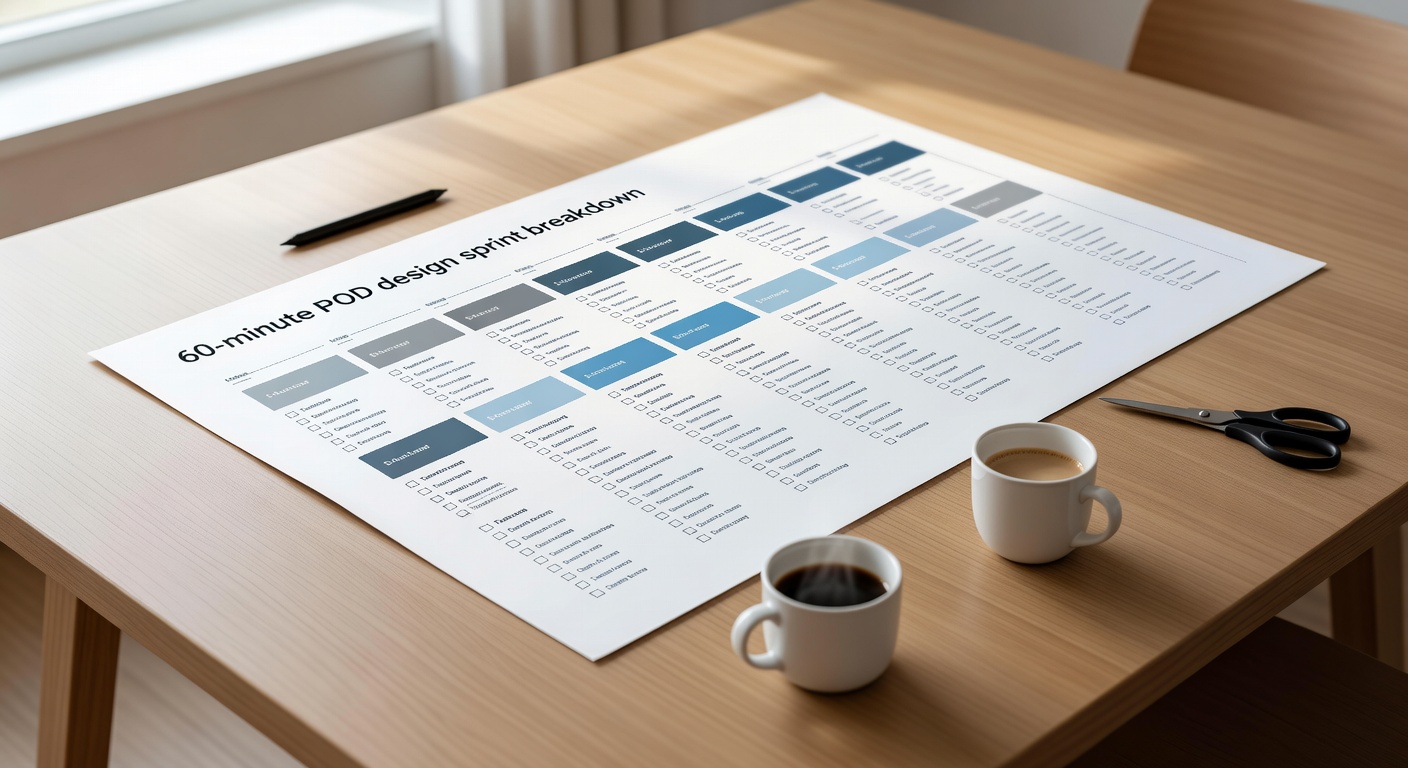 Visual diagram of 60-minute POD design sprint breakdown with time blocks and checklists ## POD Batch Variation System: 1 Design Effort = 5 Listings
Core graphic once. Variations fast. POD wins: same search terms, multiple listings dominate results.
**Strategy**:
1. Design 1 core: e.g., cat lifting weights, "Gym Cat" text.
2. Variations in 60 min total: - Var1: Original - Var2-4: Text color swaps (black/red/blue) - Var5: Background swap (solid to pattern) - Var6: Simplified (icon only) - Var7: Audience swap ("Gym Dad", "Gym Mom")
**Time Breakdown**:
- 0-15 min: Core design
- 15-30 min: Export Var1-2 (duplicate layer > recolor > export)
- 30-45 min: Var3-4 (background edit > export)
- 45-60 min: Var5 + bulk upload prep
**Why POD-Specific**: Platforms rank listings by relevance. 5 variations = 5 shots at "cat gym shirt" search. In our experience, top sellers have 10+ per niche.
Troubleshoot: Colors bleeding? Lock layers. Procreate: Use reference layers.
Before: 5 hours for 5 designs. After: 60 min for 5 uploads-ready files.
Scale to weekly: 5 cores x 5 vars = 25 listings.
## Title & Tags That Rank: Copy/Paste Formulas
Titles under 70 chars. Tags: 13 max, niche-stacked.
**Title Formula**:
`[Niche] + [Type] + [Style] + [Audience/Occasion]`
Examples:
1. "Retro Cat Gym T-Shirt | Funny Workout Pet Design"
2. "Minimalist Dog Lover Tee | Simple Line Art Shirt"
3. "Vintage Hiking Graphic Hoodie | Adventure Outdoor Tee"
**Tag 4-Bucket System** (13 tags max):
- Bucket 1 (Niche): cat gym, lifting cat, funny cat
- Bucket 2 (Style): retro, minimalist, vintage, hand drawn
- Bucket 3 (Audience): cat lover, gym rat, pet owner
- Bucket 4 (Occasion): workout, fitness gift, gym shirt
**Complete Sets**:
1. cat gym, lifting cat, funny cat tee, retro gym, minimalist cat, cat lover, gym rat, pet workout, fitness shirt, cat gift, dad gym, funny pet (13)
2. dog lover tee, line art dog, simple dog shirt, minimalist pet, dog mom, dog dad, pet graphic, birthday dog, vintage dog, paw print, funny dog (13)
Copy to [creator tools tag helper](link-to-creator-tools). Test in MerchHarbor search.
Common mistake: Broad tags like "funny". Fix: Stack specifics.
## Weekly Batching Cadence: 25 Uploads Without Burnout
Batch by task. Context-switch kills speed.
**Weekly Schedule**:
```
Monday: Brainstorm 20 ideas (30 min) - Scan [trending niches](link-to-trending-niches), list niches.
Tuesday: Design 5 core graphics (2 hrs) - 25 min each.
Wednesday: 25 variations (3 hrs) - 5 per core.
Thursday: Titles/tags/descriptions bulk (1 hr) - Spreadsheet copy/paste.
Friday: Upload all 25 (1 hr) - MerchHarbor bulk tool.
```
Why batch? Design mode ≠ tag mode. One flow/design = 5 hrs each. Batched: 7 hrs total.
Advanced: Automate tags in Google Sheets: =CONCAT("cat gym, ", A2, " ").
## Visual Templates & Folder Structure
Copy these exactly.
**Folder Template**:
```
/MerchDesigns /01_CoreGraphics/ (cat_gym.ai originals) /02_Variations/ (cat_gym_v1.png, v2.png etc.) /03_Exported/ (ready PNGs, named niche_type_vX.png) /04_Templates/ (tee_layout.psd reusable) /05_TagBank.txt (niche: cat gym >> tags list)
```
Organize post-sprint. Drag to MerchHarbor uploader.
**Default Layout Templates**:
1. Top text (20%) + central icon (60%) + bottom text (20%)
2. Big icon (70%) + punchline subtitle
3. Badge: Circle icon + arched text
Screenshot your folders weekly. Clean structure = zero lost files.
Visual diagram of 60-minute POD design sprint breakdown with time blocks and checklists ## POD Batch Variation System: 1 Design Effort = 5 Listings
Core graphic once. Variations fast. POD wins: same search terms, multiple listings dominate results.
**Strategy**:
1. Design 1 core: e.g., cat lifting weights, "Gym Cat" text.
2. Variations in 60 min total: - Var1: Original - Var2-4: Text color swaps (black/red/blue) - Var5: Background swap (solid to pattern) - Var6: Simplified (icon only) - Var7: Audience swap ("Gym Dad", "Gym Mom")
**Time Breakdown**:
- 0-15 min: Core design
- 15-30 min: Export Var1-2 (duplicate layer > recolor > export)
- 30-45 min: Var3-4 (background edit > export)
- 45-60 min: Var5 + bulk upload prep
**Why POD-Specific**: Platforms rank listings by relevance. 5 variations = 5 shots at "cat gym shirt" search. In our experience, top sellers have 10+ per niche.
Troubleshoot: Colors bleeding? Lock layers. Procreate: Use reference layers.
Before: 5 hours for 5 designs. After: 60 min for 5 uploads-ready files.
Scale to weekly: 5 cores x 5 vars = 25 listings.
## Title & Tags That Rank: Copy/Paste Formulas
Titles under 70 chars. Tags: 13 max, niche-stacked.
**Title Formula**:
`[Niche] + [Type] + [Style] + [Audience/Occasion]`
Examples:
1. "Retro Cat Gym T-Shirt | Funny Workout Pet Design"
2. "Minimalist Dog Lover Tee | Simple Line Art Shirt"
3. "Vintage Hiking Graphic Hoodie | Adventure Outdoor Tee"
**Tag 4-Bucket System** (13 tags max):
- Bucket 1 (Niche): cat gym, lifting cat, funny cat
- Bucket 2 (Style): retro, minimalist, vintage, hand drawn
- Bucket 3 (Audience): cat lover, gym rat, pet owner
- Bucket 4 (Occasion): workout, fitness gift, gym shirt
**Complete Sets**:
1. cat gym, lifting cat, funny cat tee, retro gym, minimalist cat, cat lover, gym rat, pet workout, fitness shirt, cat gift, dad gym, funny pet (13)
2. dog lover tee, line art dog, simple dog shirt, minimalist pet, dog mom, dog dad, pet graphic, birthday dog, vintage dog, paw print, funny dog (13)
Copy to [creator tools tag helper](link-to-creator-tools). Test in MerchHarbor search.
Common mistake: Broad tags like "funny". Fix: Stack specifics.
## Weekly Batching Cadence: 25 Uploads Without Burnout
Batch by task. Context-switch kills speed.
**Weekly Schedule**:
```
Monday: Brainstorm 20 ideas (30 min) - Scan [trending niches](link-to-trending-niches), list niches.
Tuesday: Design 5 core graphics (2 hrs) - 25 min each.
Wednesday: 25 variations (3 hrs) - 5 per core.
Thursday: Titles/tags/descriptions bulk (1 hr) - Spreadsheet copy/paste.
Friday: Upload all 25 (1 hr) - MerchHarbor bulk tool.
```
Why batch? Design mode ≠ tag mode. One flow/design = 5 hrs each. Batched: 7 hrs total.
Advanced: Automate tags in Google Sheets: =CONCAT("cat gym, ", A2, " ").
## Visual Templates & Folder Structure
Copy these exactly.
**Folder Template**:
```
/MerchDesigns /01_CoreGraphics/ (cat_gym.ai originals) /02_Variations/ (cat_gym_v1.png, v2.png etc.) /03_Exported/ (ready PNGs, named niche_type_vX.png) /04_Templates/ (tee_layout.psd reusable) /05_TagBank.txt (niche: cat gym >> tags list)
```
Organize post-sprint. Drag to MerchHarbor uploader.
**Default Layout Templates**:
1. Top text (20%) + central icon (60%) + bottom text (20%)
2. Big icon (70%) + punchline subtitle
3. Badge: Circle icon + arched text
Screenshot your folders weekly. Clean structure = zero lost files. 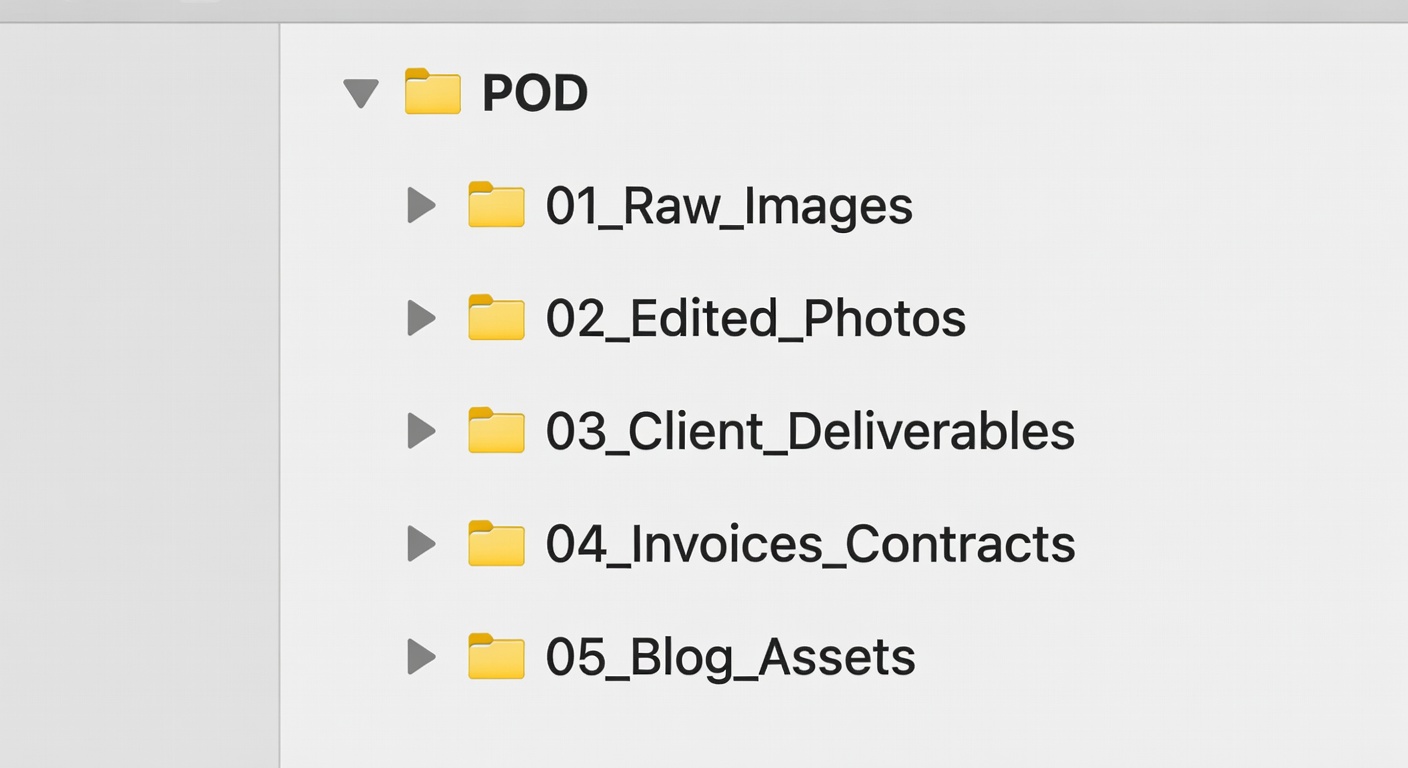 Screenshot-style example of organized POD folder structure with subfolders labeled ## Anti-Procrastination Toolkit